
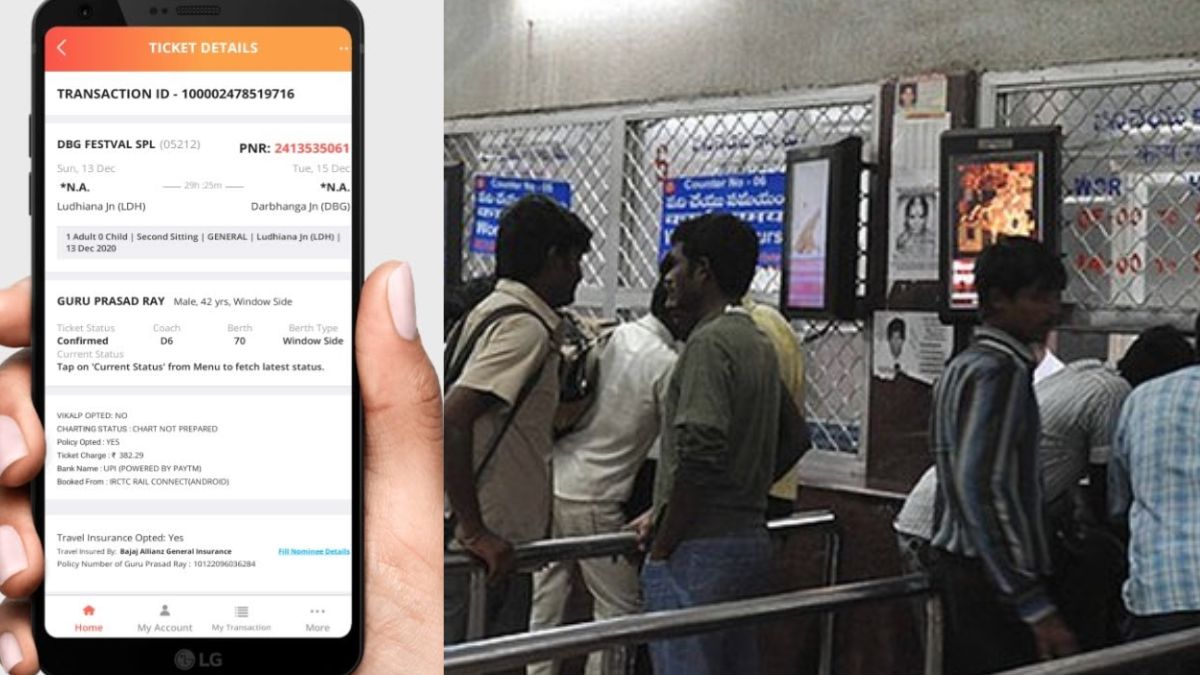

You can book general train ticket in few minutes from your mobile.
Unreserved Railway Ticket Booking online: Indian Railways takes utmost care of the convenience of its passengers. Lakhs of passengers travel by train every day in India, in such a situation, the railways keep on looking for new ways to make the journey convenient for the passengers. It is necessary to have a ticket to travel in the train. By the way, two types of tickets are available in the train, first reservation ticket and second normal i.e. general ticket. Reservation tickets can also be booked online, for this you do not need to go to the railway counter. But, very few people know that general ie unreserved tickets can also be booked online.
In case you didn’t know, now you don’t have to stand in long queues at the counter for general tickets. You can book general train ticket from your mobile. To book unreserved tickets, you have to download Railway’s UTS on mobile app in your mobile, then with the help of this you will be able to book tickets in few minutes.
Indian Railways increased the distance limit
Let us tell you that Indian Railways keeps on changing its system from time to time. Railways had changed the train ticket booking system last year, in which UTS i.e. Unreserved Ticket System was also changed. Through the UTS on mobile app, you can book general tickets for travel up to 20 kms. Earlier, through this app, passengers were able to book general tickets for travel up to 5 km only.
Janakaral ticket can be booked from UTS Mobile App
With the UTS mobile app, you can book not only general tickets but also monthly passes and seasonal tickets. The biggest advantage of the UTS mobile app is that you can save your precious time and at the same time it also saves you from long queues at the railway counters. Let us know how you can book tickets on this app.
Book general tickets online like this
- If you don’t have the app, download the UTS On app from Google Playstore.
- Now you have to fill your name, mobile number, ID card number.
- When the registration is complete, open the mobile app.
- An OTP will come on your mobile number, after entering which you will be able to signup on the app.
- Now you will be sent an ID, Password on your mobile number.
- You will have to login on the mobile app by entering the ID, password.
- To book tickets, select the option of normal booking from the menu.
- Now you have to enter the names of the boarding and destination stations.
- Now you have to type the ticket like- Express or Passenger train or Postal train
- After completing all the process, the payment option will appear in front of you.
- After making the payment, you will get the option to print your ticket.
Be the first to read breaking news in Hindi aajsamacharindia.com| Today’s latest news, live news updates, read most reliable Hindi news website aajsamacharindia.com|
Like us on Facebook or follow us on Twitter for breaking news and live news updates.